Upload your video
Import from your computer, YouTube, Zoom, Google Drive or Dropbox. We support MP4, MOV, AVI, MKV, and more.
Use our online video to text converter to generate accurate video transcripts in minutes. Upload a file or paste a link, and get an editable transcript with timestamps, speaker labels and subtitle exports.
Trusted by 6M+ users and 41,000+ teams of all sizes.
150+ languages and accents. Long recordings welcome - transcription starts in minutes.
00:00Speaker 1Welcome back. Today we are turning a recorded product demo into a searchable, editable transcript.
00:12Speaker 2The AI transcriber detects speakers automatically, so every line is labelled before you start editing.
00:27Speaker 1Names, numbers and timestamps stay editable. When the transcript looks right, export it to TXT, DOCX, PDF, SRT or VTT.
00:41Speaker 2Long recordings work too: upload the full session and the transcript is ready in minutes.
Transcripts include timestamps, speaker labels and editable text. Export to TXT, DOCX, PDF, SRT or VTT.
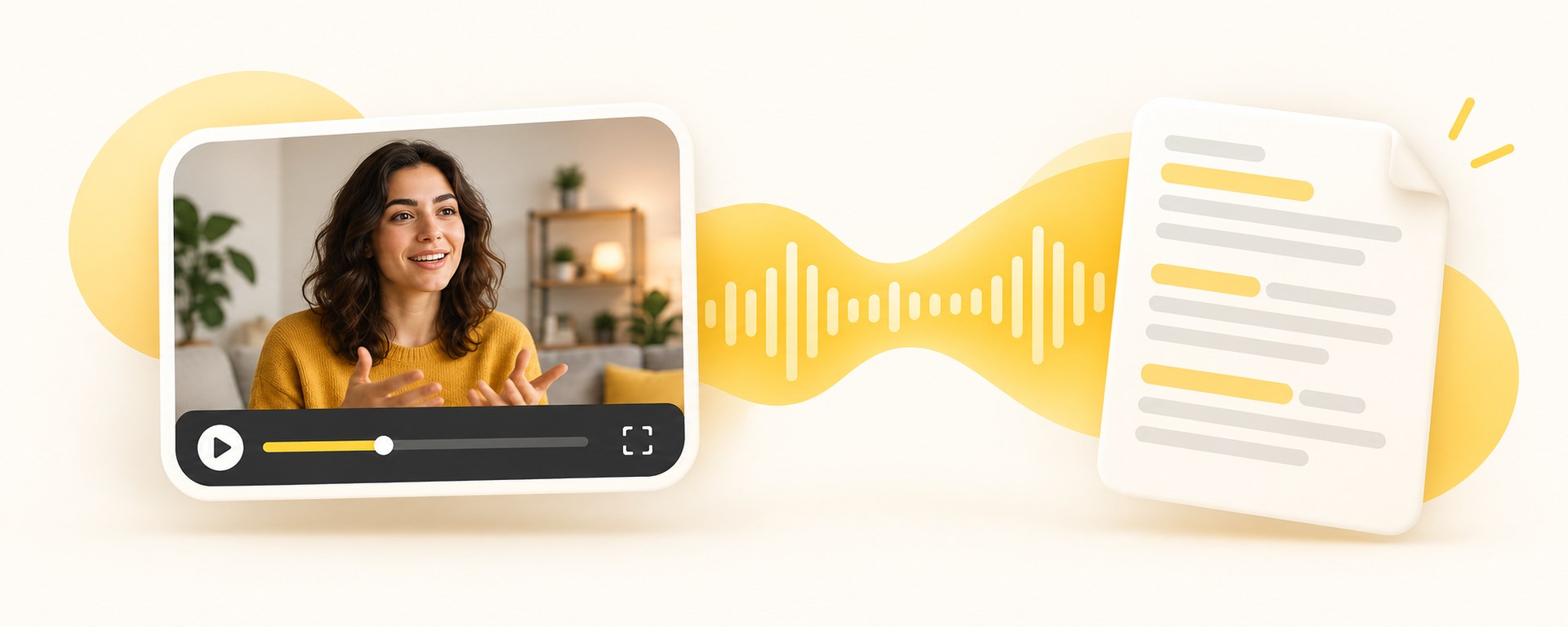
Three steps from a raw recording to a shareable, searchable transcript.
Import from your computer, YouTube, Zoom, Google Drive or Dropbox. We support MP4, MOV, AVI, MKV, and more.
Use our AI video transcriber for fast results, or order human-made transcripts for extra accuracy.
Review the transcript in our editor, fix anything in seconds, then export to TXT, DOCX, PDF, or subtitles (SRT, VTT).
An AI-powered video transcript generator and video transcriber that lets you convert video to text, create subtitles, and get ready-to-use transcripts in minutes.
Produces clear, reliable transcripts from any video - even with fast speakers, background noise, or strong accents.
Converts video into text in minutes using state of the art speech-to-text technology.
Offers human-verified transcripts for interviews, research, legal recordings, and other accuracy-critical content.
Supports video transcription for more than 150 languages and accents, suitable for global and multilingual videos.
Provides an online editor to refine video transcripts, correct text, adjust timestamps, and label speakers.
Exports your video transcripts in TXT, DOCX, PDF, or subtitle formats such as SRT and VTT.
English, Spanish, French, German, Portuguese, Mandarin, Cantonese, Japanese, Korean, Arabic and more - accents included.
Automatic language detection keeps mixed-language recordings manageable, and every line stays editable with speaker labels and timestamps.

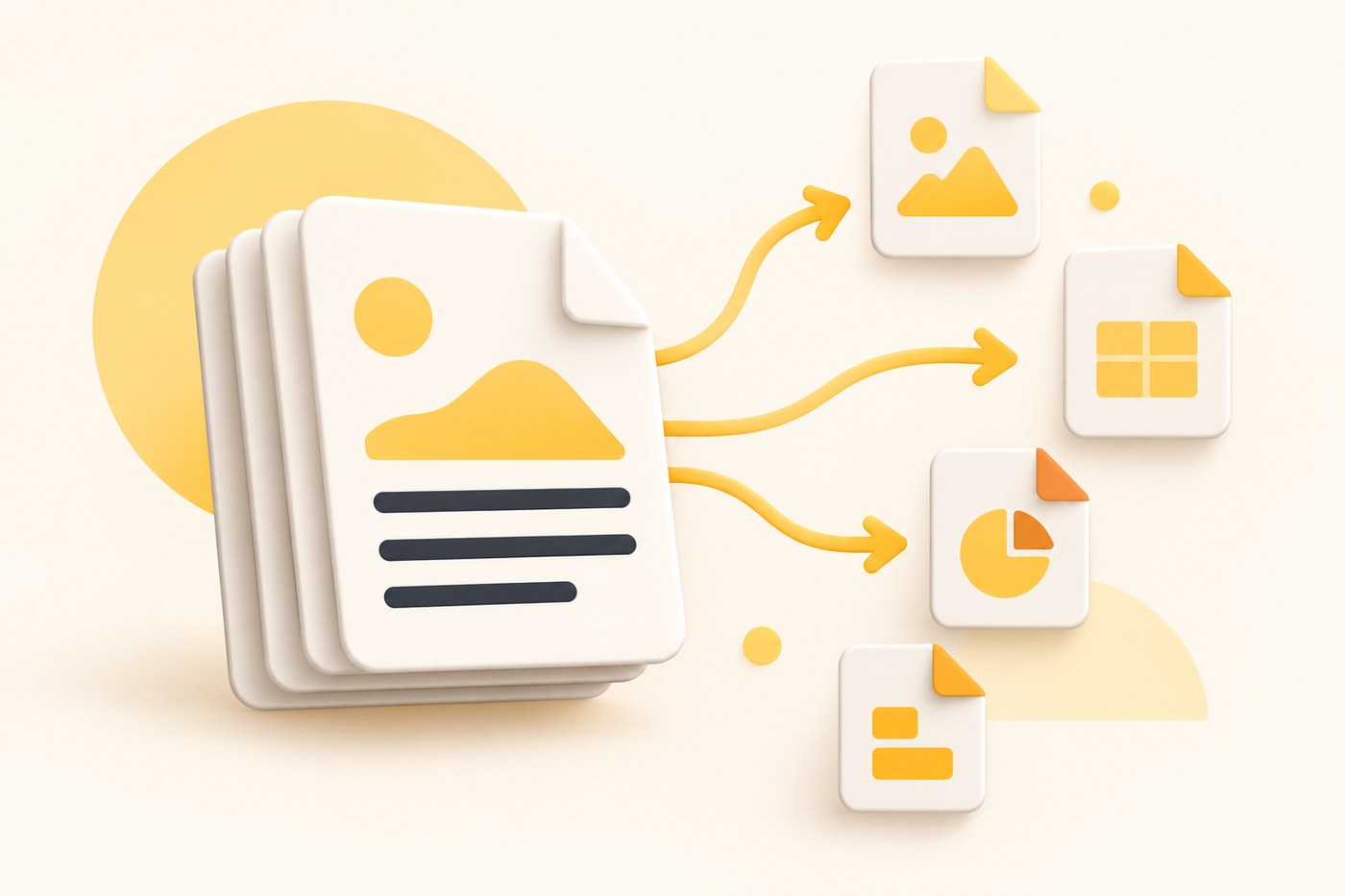
Whether you need a Zoom meeting transcript, a YouTube transcript, or a lecture recording in text, the converter turns any video into an editable transcript.
Convert any video into text in seconds. Upload a file or paste a link, and the transcript appears almost instantly - accurate, ready to edit, and generated directly in your browser.
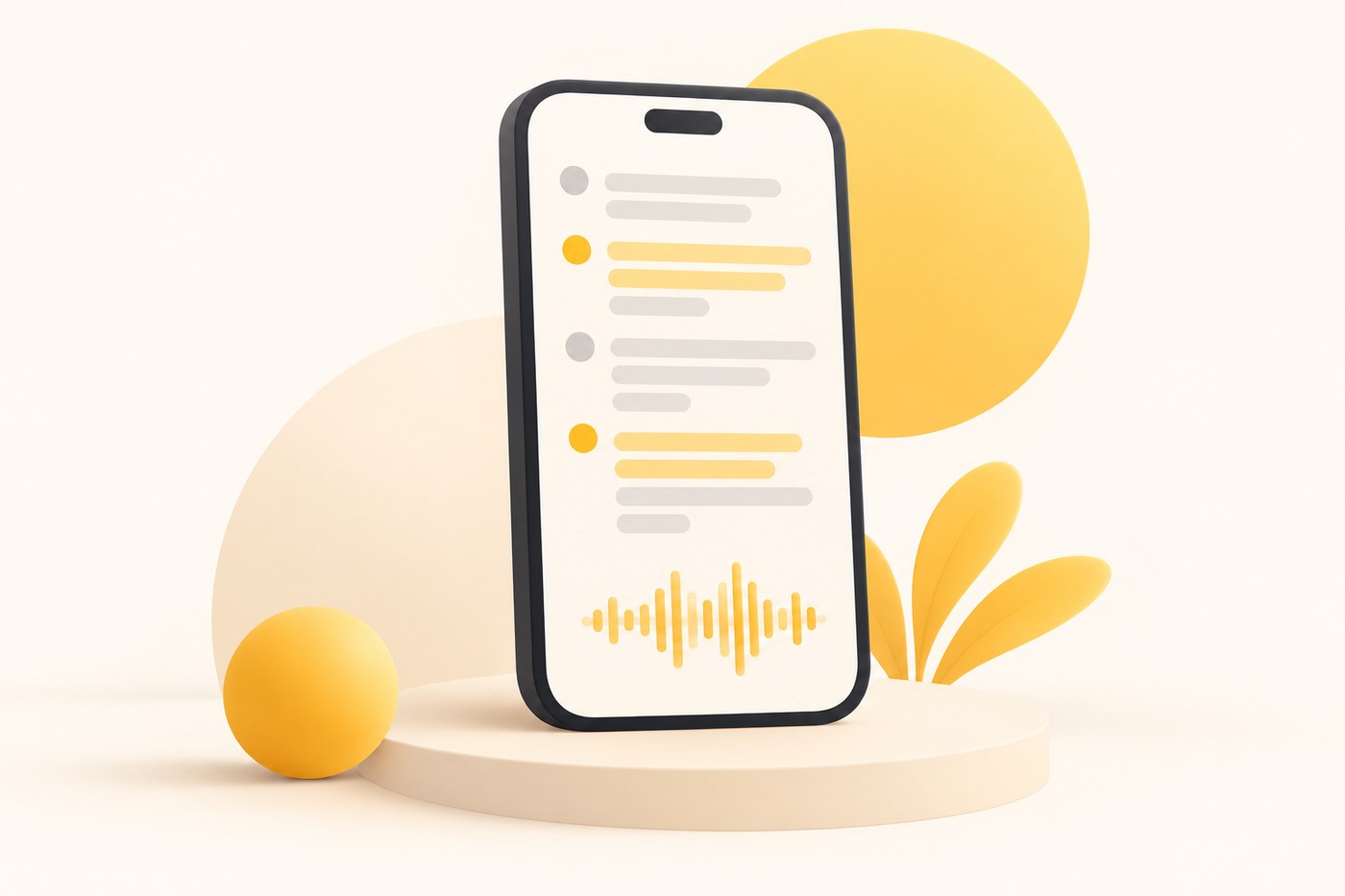
Shoot a video or record audio straight from your phone. The transcriber converts it with AI in 150+ languages, and everything syncs to your workspace - capture on the go, edit and export at your desk.
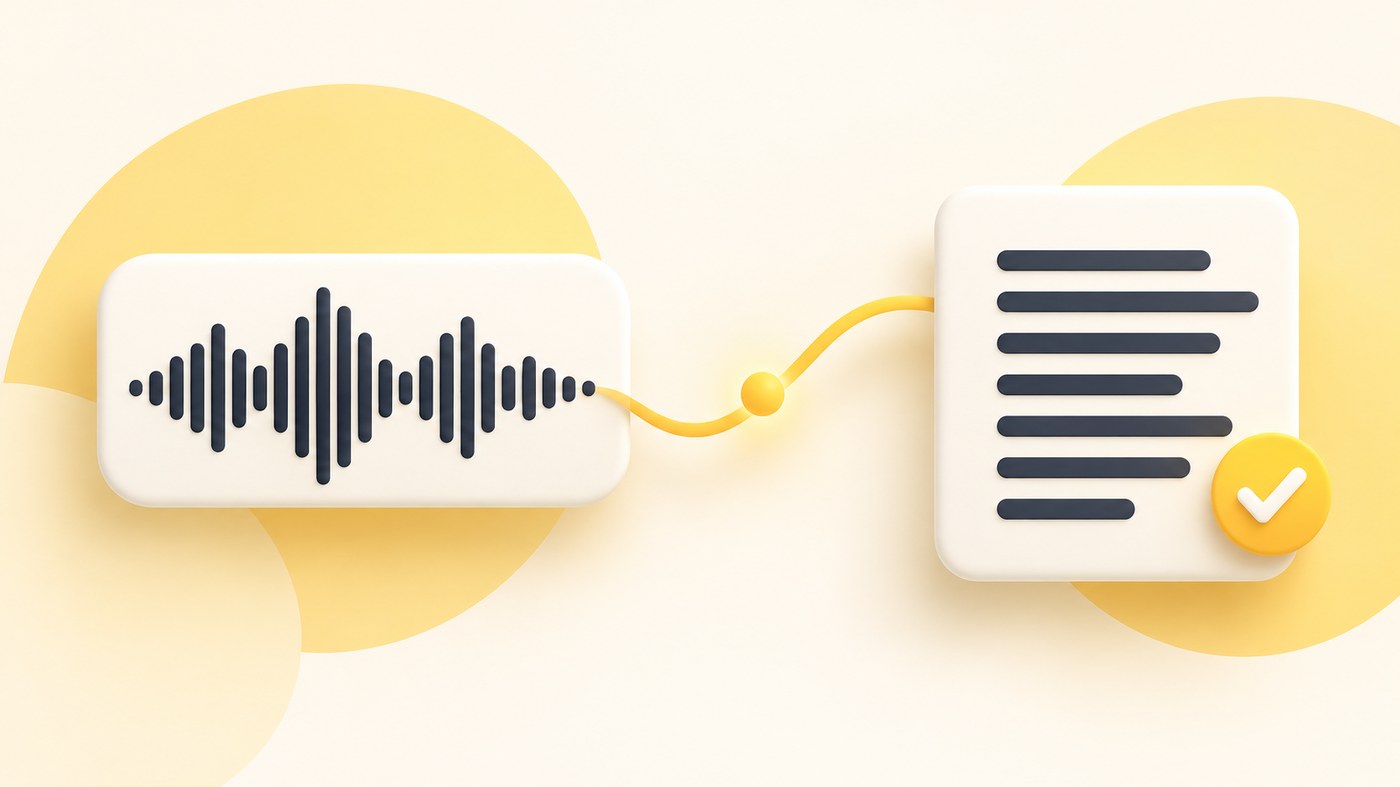
Transcribing a video to text makes the content accessible, searchable, and easier to reuse. A text version helps extract quotes, create summaries, write captions, and turn long recordings into usable documents. It saves time, improves accessibility, and allows teams to work with video content more efficiently.
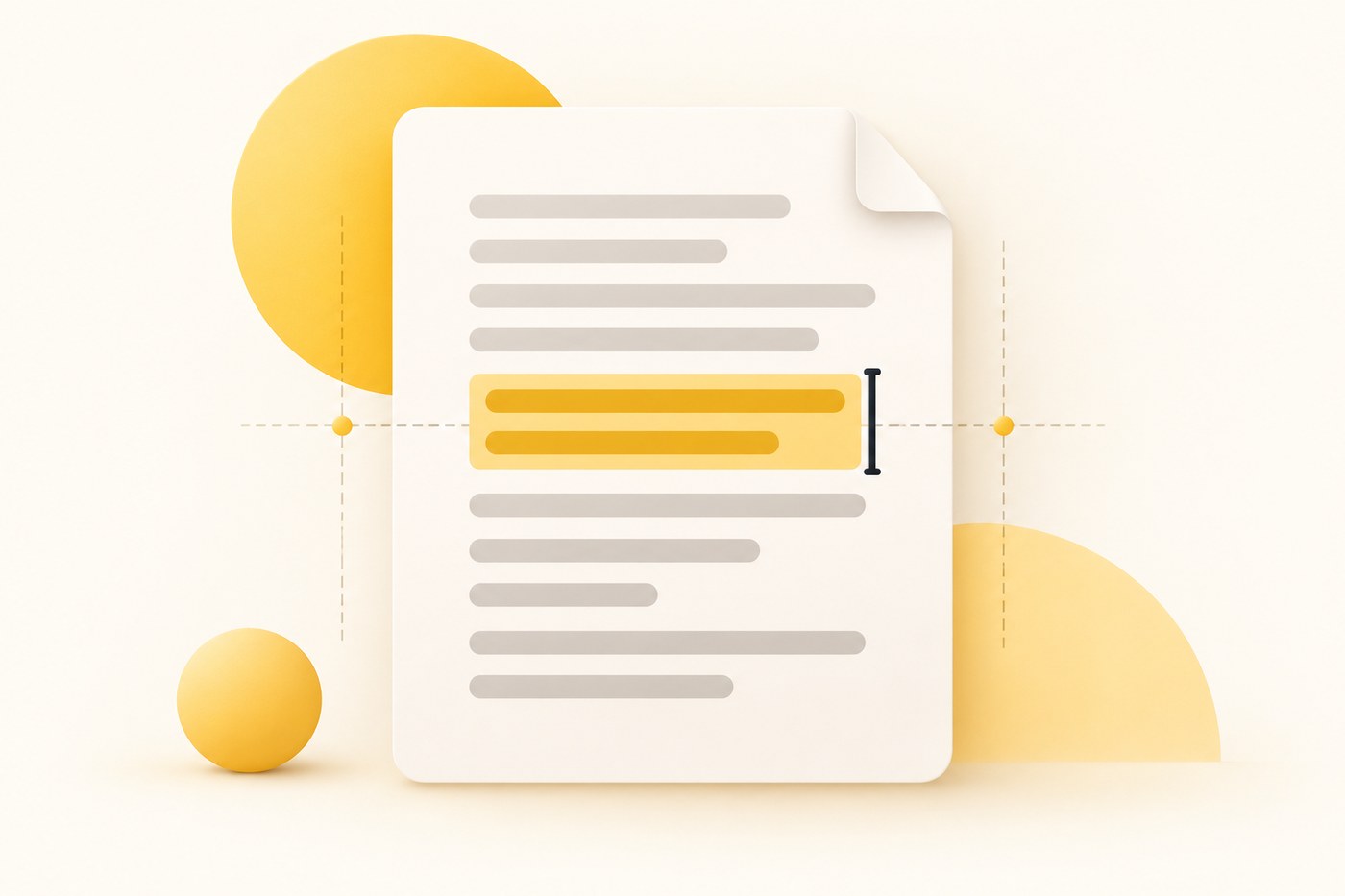
A video-to-text converter turns the spoken audio in a video into written text. It analyzes speech, identifies words, and produces an editable transcript that can include timestamps and speaker labels. This makes video content easier to read, search, repurpose, and share across different formats.
Saves time, however I wish they had better understanding of different accents speaking English.
This website is perfect for transcribing any video fast and with ease. It has numerous useful features like translation too. I highly recommend it.
Great program. Easy to upload, easy to edit, and gives you a great result.
I have loved using it to help with my copywriting. I can have an interview transcribed to quickly move into the writing and editing phase. Great software and fairly priced.
Fab service - reasonable pricing and good result.
More accurate on Cantonese Chinese Hong Kong.
Love it. The automatic transcriptions (English & Spanish) are way above average and the interface is super easy.
Very useful tool for transcribing interviews with an easy-to-understand billing plan.
It was so easy, even in Spanish, my native language. Thank you very much! Great job.
The same workspace covers the rest of a transcription workflow.
Paste a YouTube link and get a clean transcript.
Open the transcriberTurn Zoom, Meet and Teams recordings into text.
Open the transcriberExport SRT and VTT subtitles alongside the transcript.
Open the transcriberTranscribe and translate in 150+ languages.
Open the transcriberAccuracy, languages, formats, exports and account questions.
Upload a video file or paste a link from YouTube, Zoom, Google Drive or Dropbox. The AI video transcriber turns the spoken audio into an accurate, editable transcript with timestamps in minutes.
MP4, MOV, AVI, MKV, M4V, WebM, WMV and more, plus common audio formats. Long recordings are supported, and files up to 2 GB can be transcribed in one pass.
The AI speech-to-text engine is trained for real-world audio, so it handles fast speakers, background noise and strong accents. Speaker labels and punctuation are added automatically, and every line stays editable before you export.
Yes. Export your transcript to TXT, DOCX or PDF, and download subtitle files in SRT or VTT for YouTube, social video and players such as VLC.
More than 150 languages and accents are supported, with automatic language detection. Mixed-language recordings can be edited and exported line by line.
You can start from this page at any time. Sign in with Google to run the transcription and keep your files and history in your workspace. Plans are available on the pricing page.
Turn any video into an accurate, editable transcript - ready for documents, subtitles and search.